STEP 01 – START
Smart Insights Ready
Start receiving intelligent call analytics and performance insights instantly. Boost your productivity with data-driven decisions.
Send us a quick message and our team will follow up with a tailored demo or answer your questions.

DialSummary connects your team's phone activity with one central dashboard. Calls are logged automatically, leads stay organized and managers get the insights they need to improve performance.
Connect your team, capture every call, and keep the next action in view.
Start receiving intelligent call analytics and performance insights instantly. Boost your productivity with data-driven decisions.
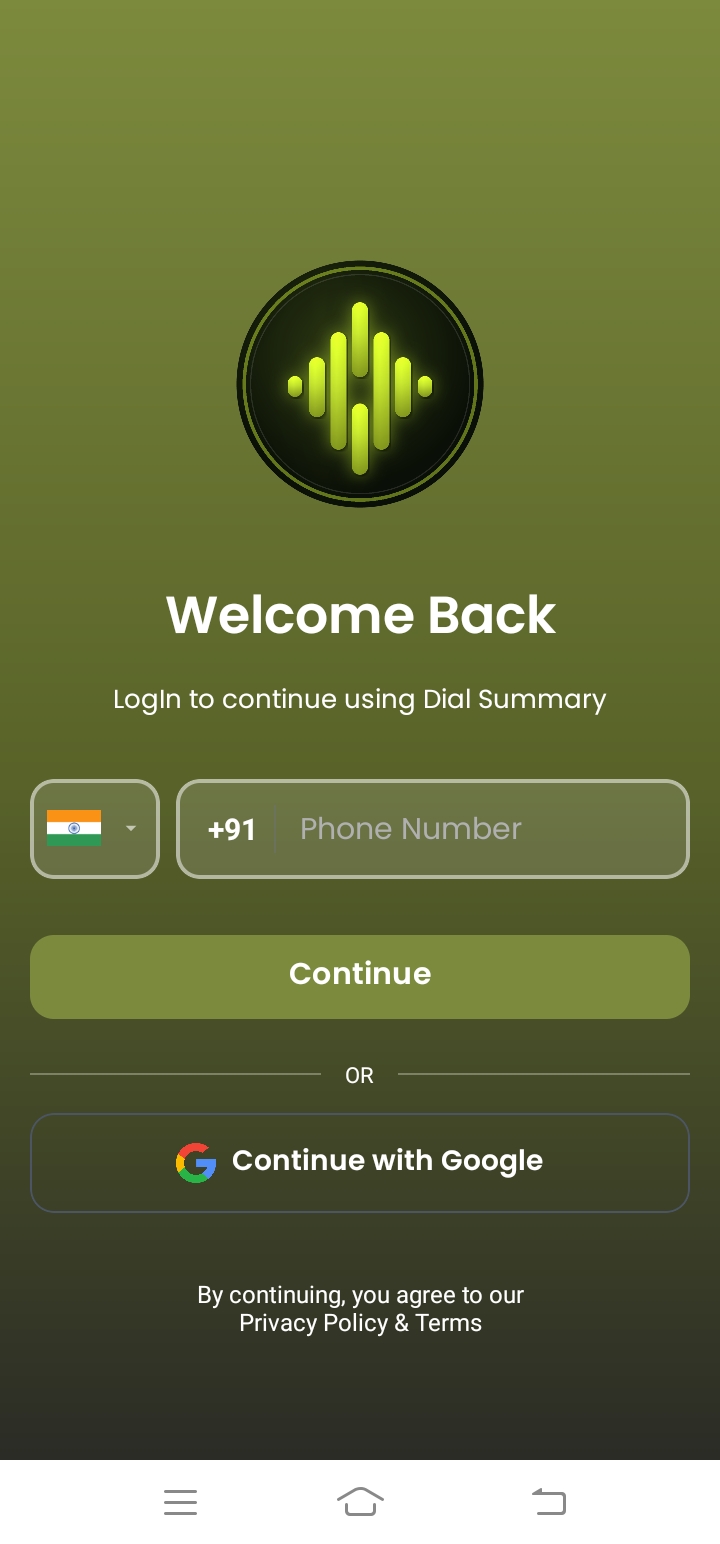
Login securely with your phone number to access your personal call analytics dashboard. Review the account and privacy settings before using the service.
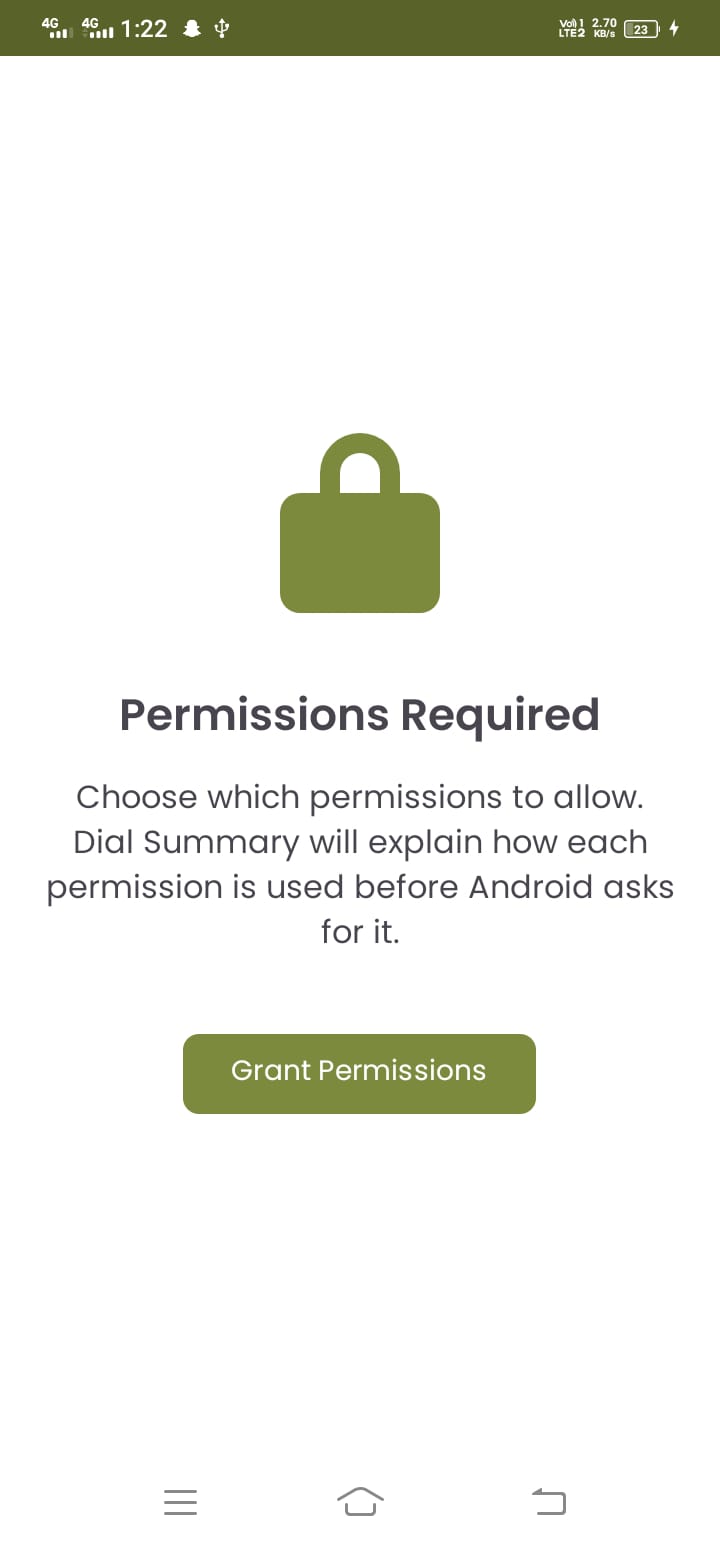
Grant necessary permissions securely - review the permissions needed for call and contact access. Your privacy is our priority.
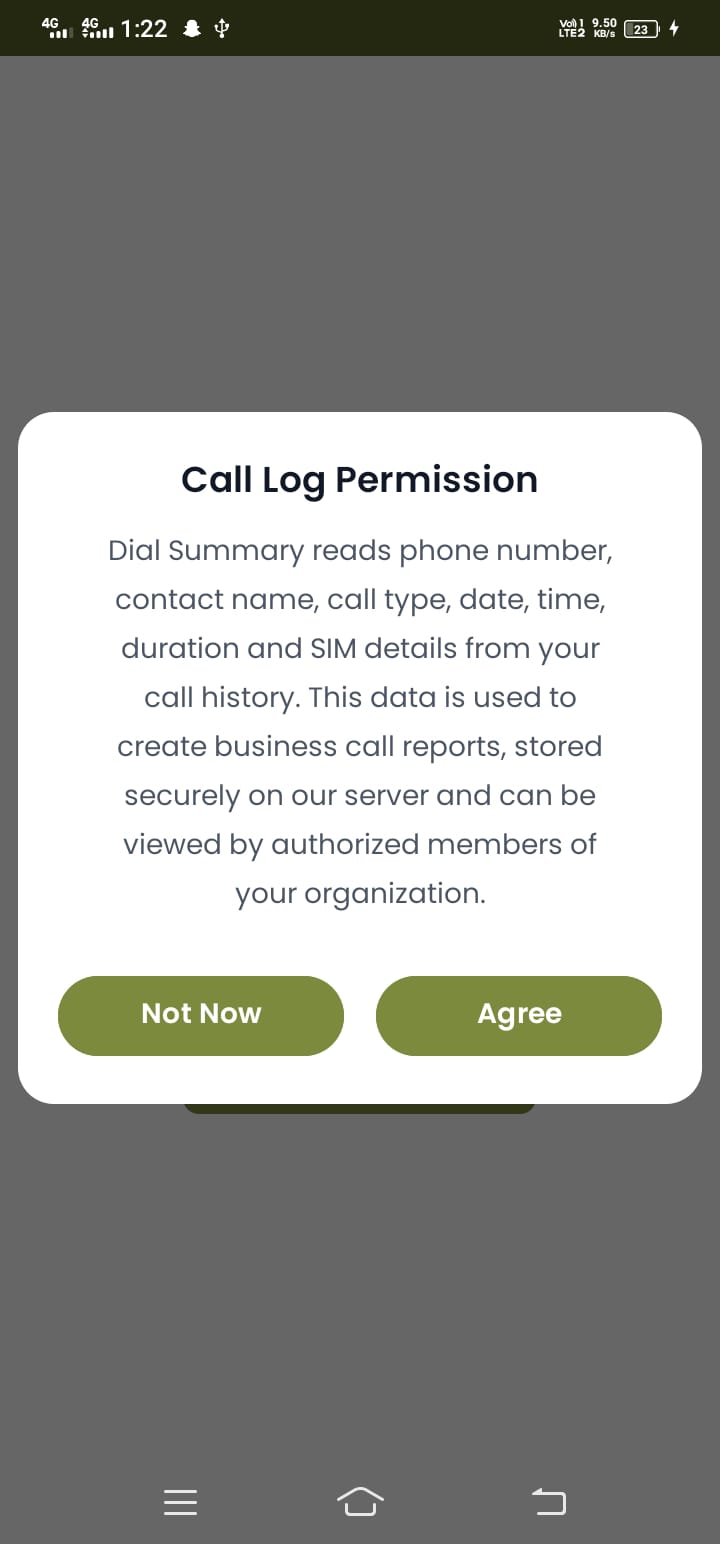
Allow access to call history for comprehensive statistics and analysis. Full visibility into your communication.
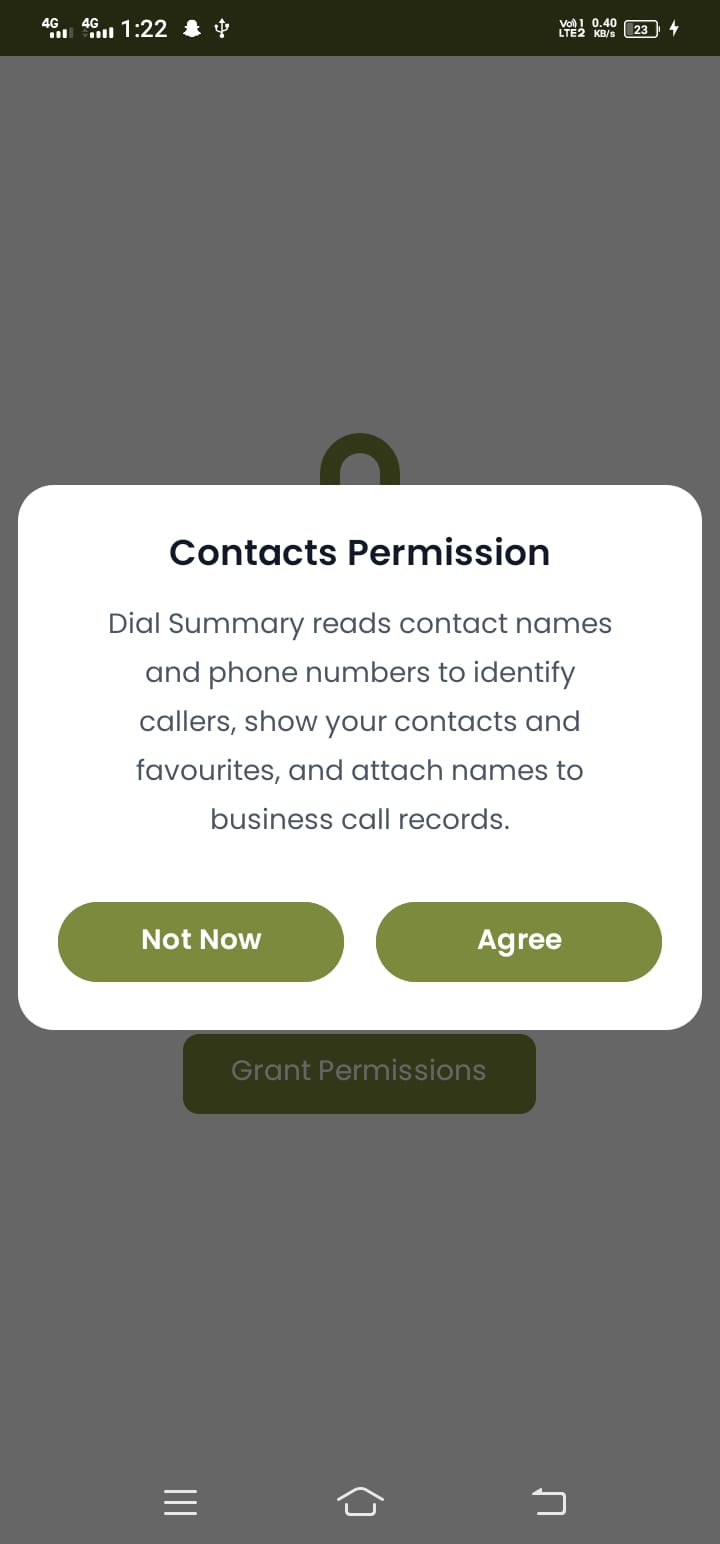
Allow access to contacts for better call identification and context. Check the privacy policy for information about data use and storage.
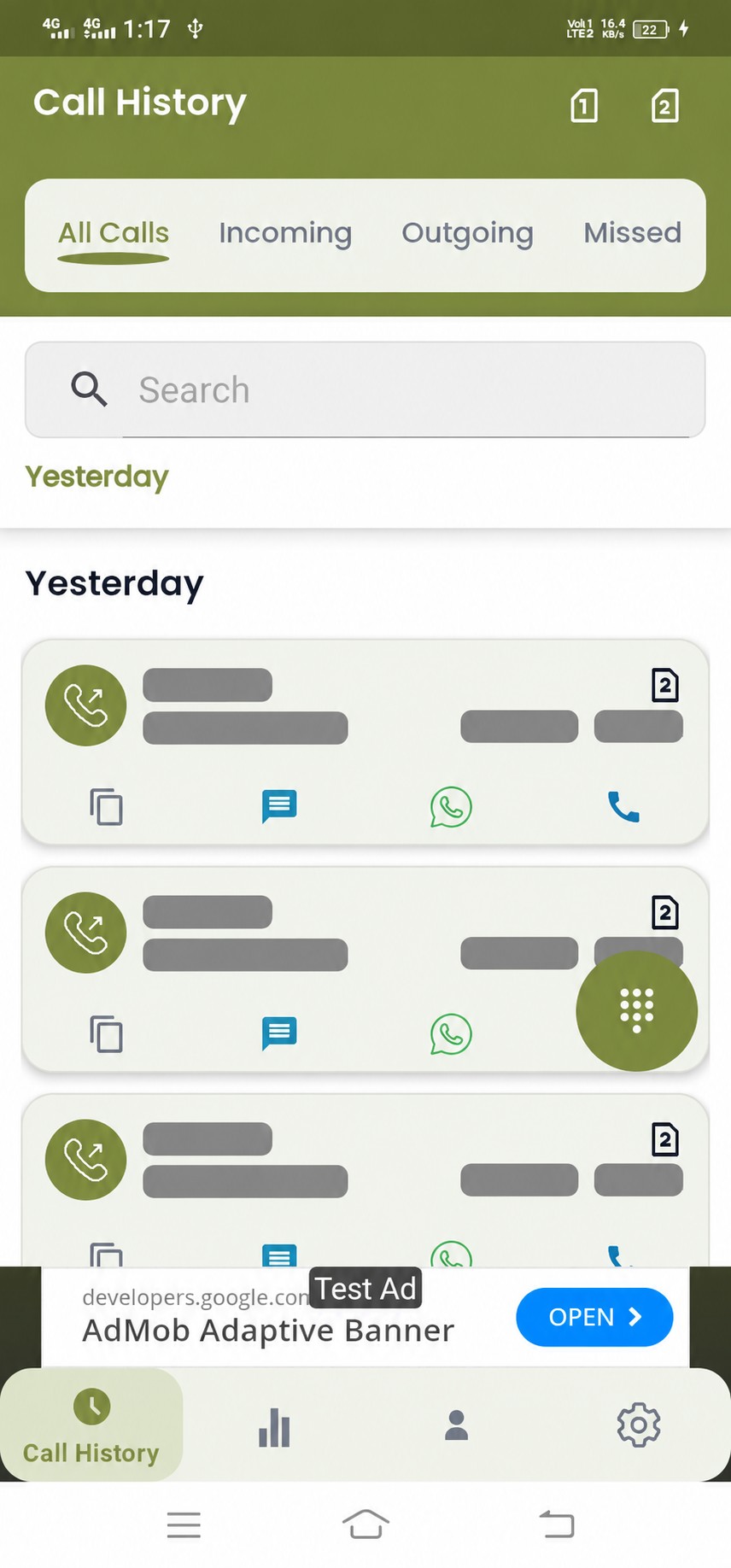
View all your calls at a glance - incoming, outgoing, missed, and today's activity. Filter and search through your complete call log.
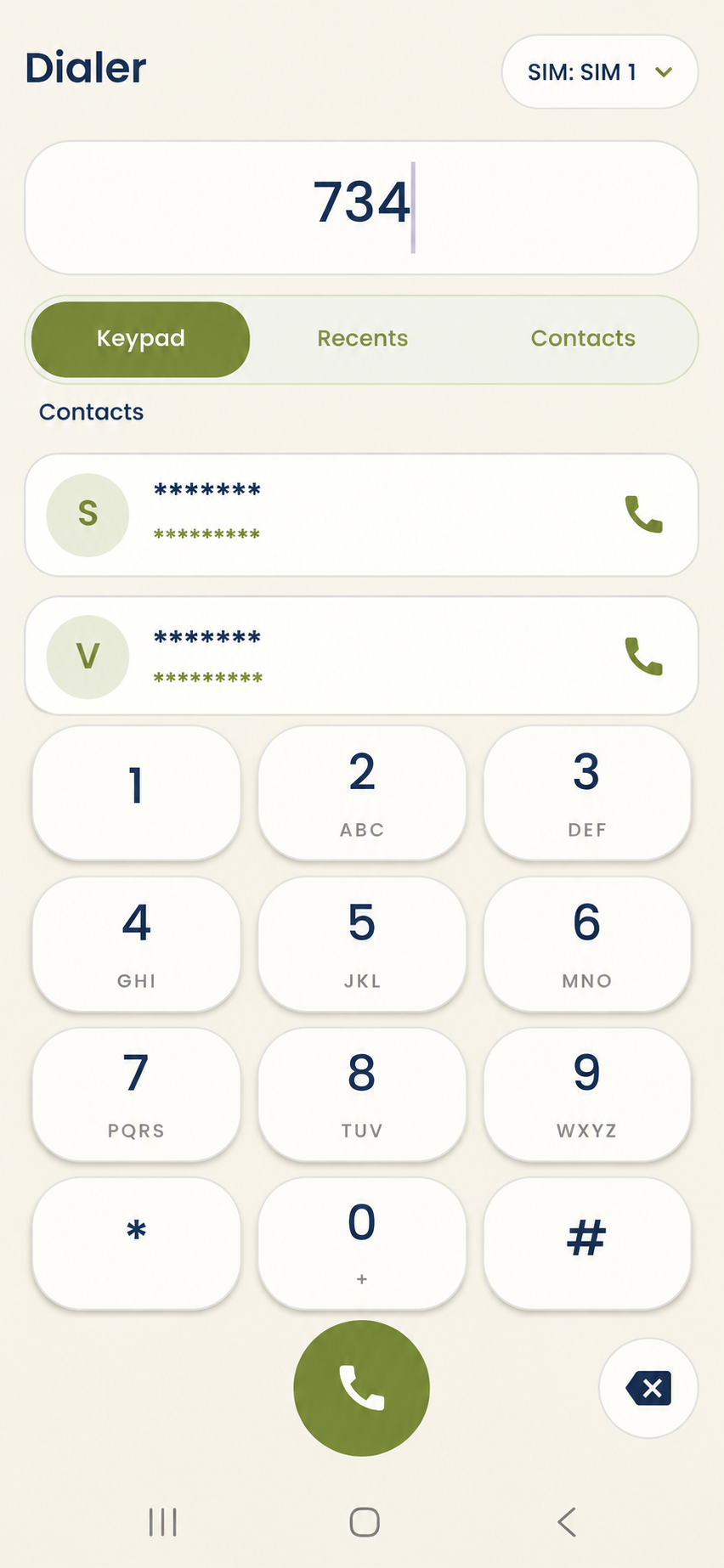
Users can make national and international calls directly from the inbuilt dialer with ease. Connect with anyone, anywhere, anytime.
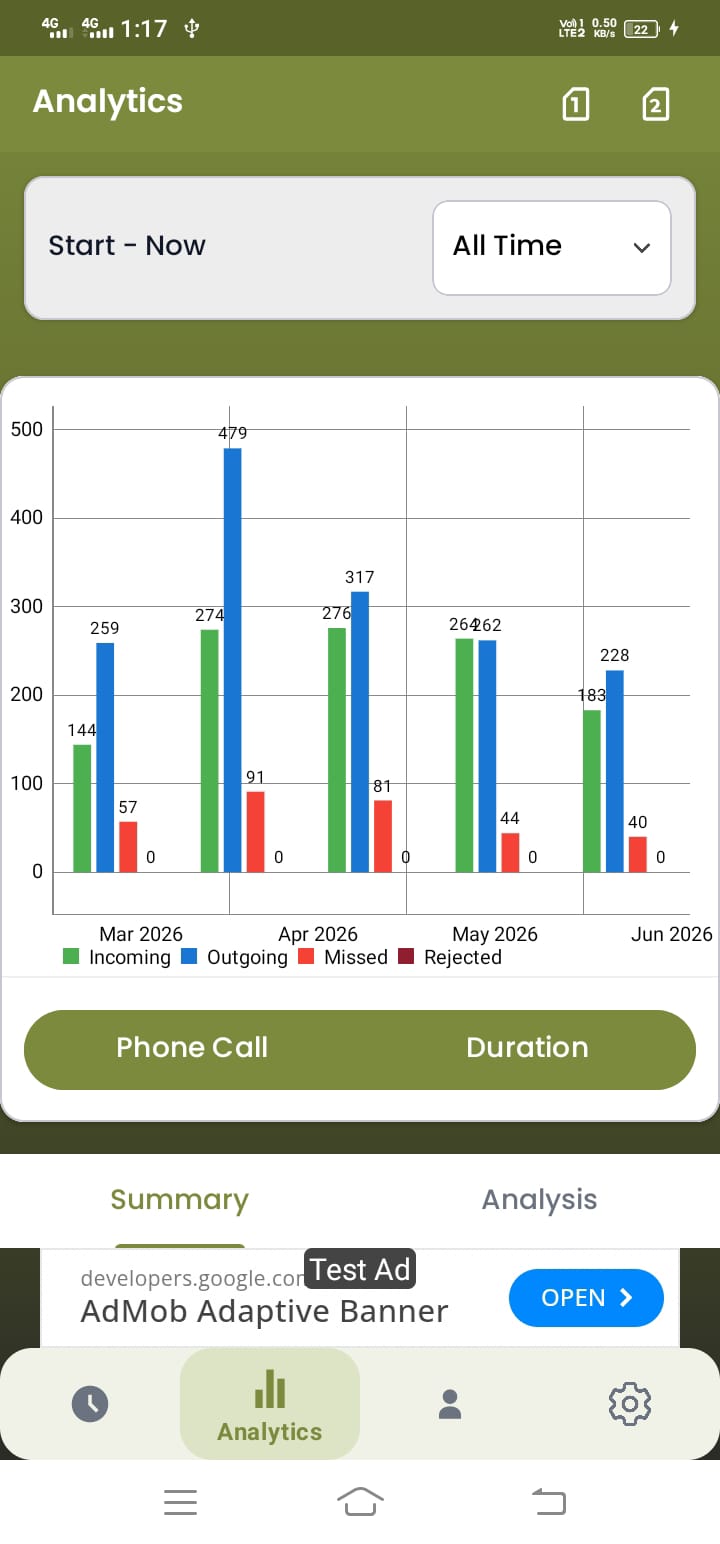
Track call patterns over months with interactive charts for all call types. Identify peak calling hours and response rates.
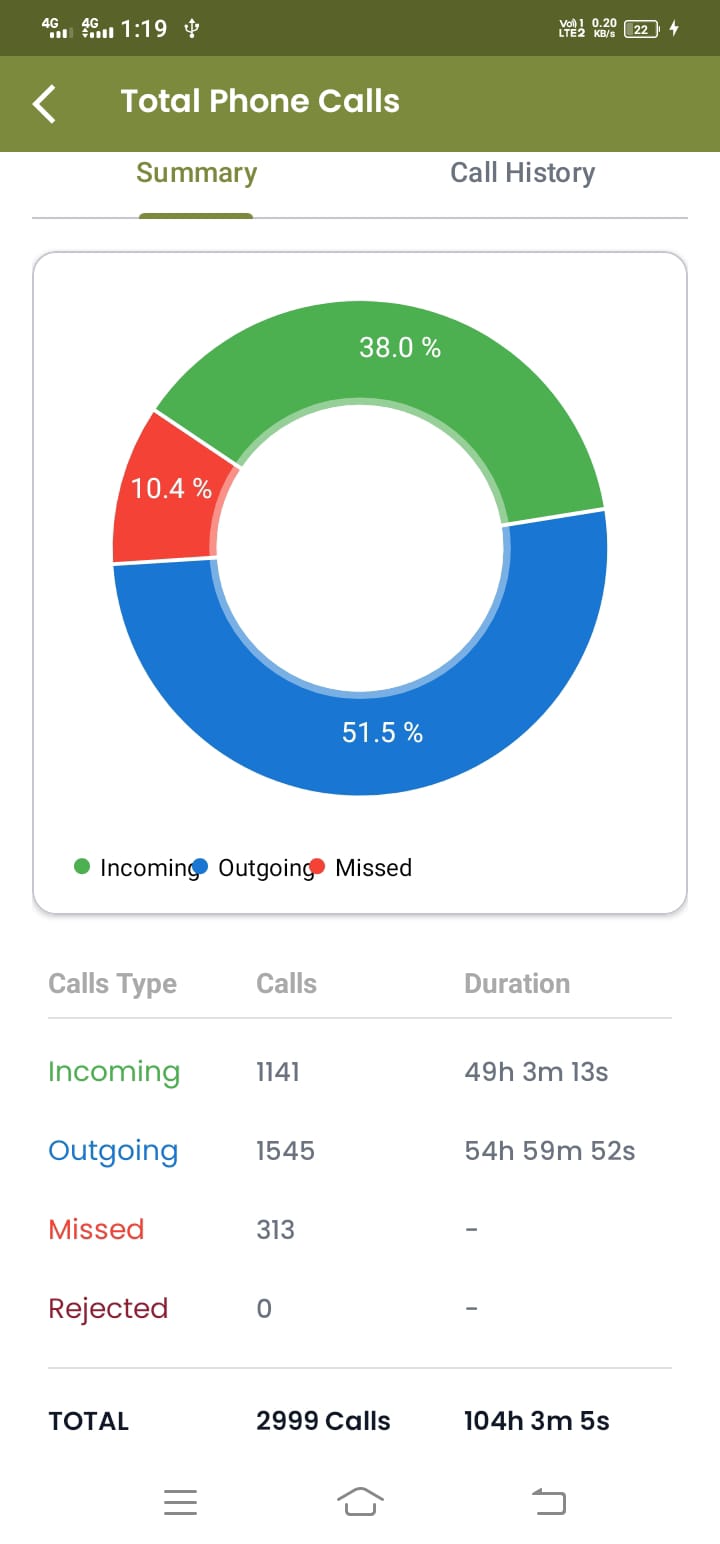
Visual breakdown of your call types with duration tracking and percentage distribution. Understand your calling patterns.
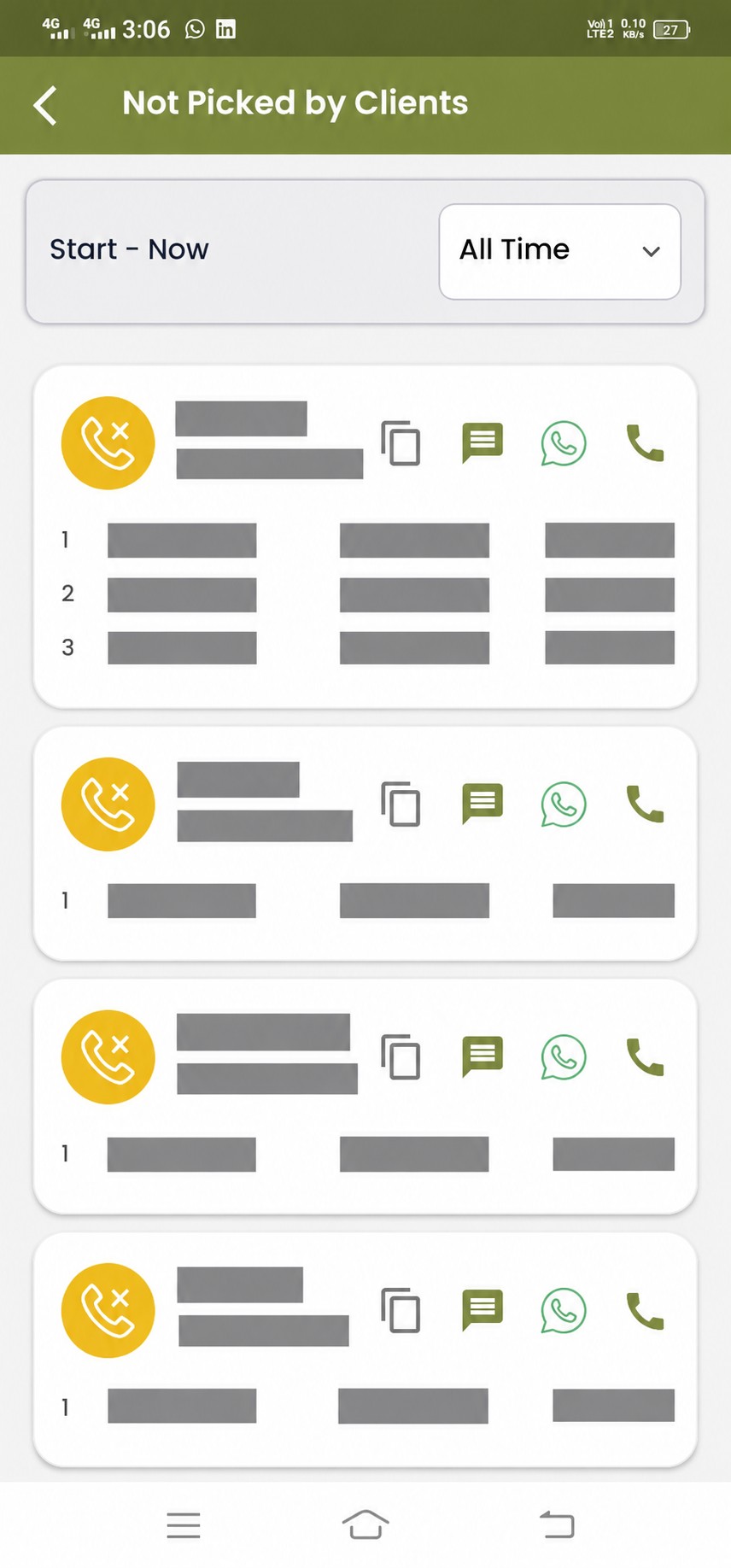
Identify calls not picked by clients to follow up and improve response rates. Never miss a potential lead again.
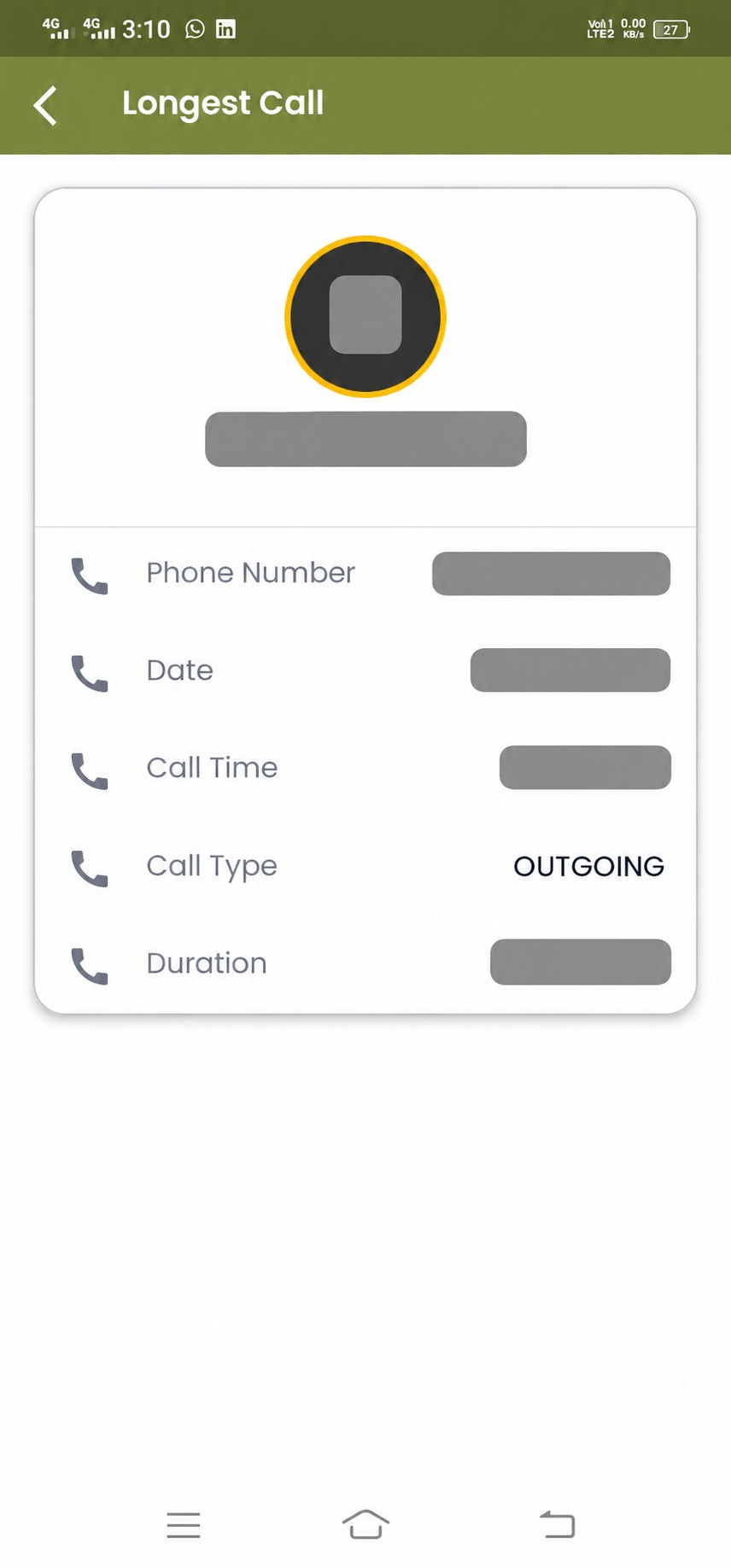
Monitor your most engaging conversations with detailed duration and contact info. Identify your best conversations.
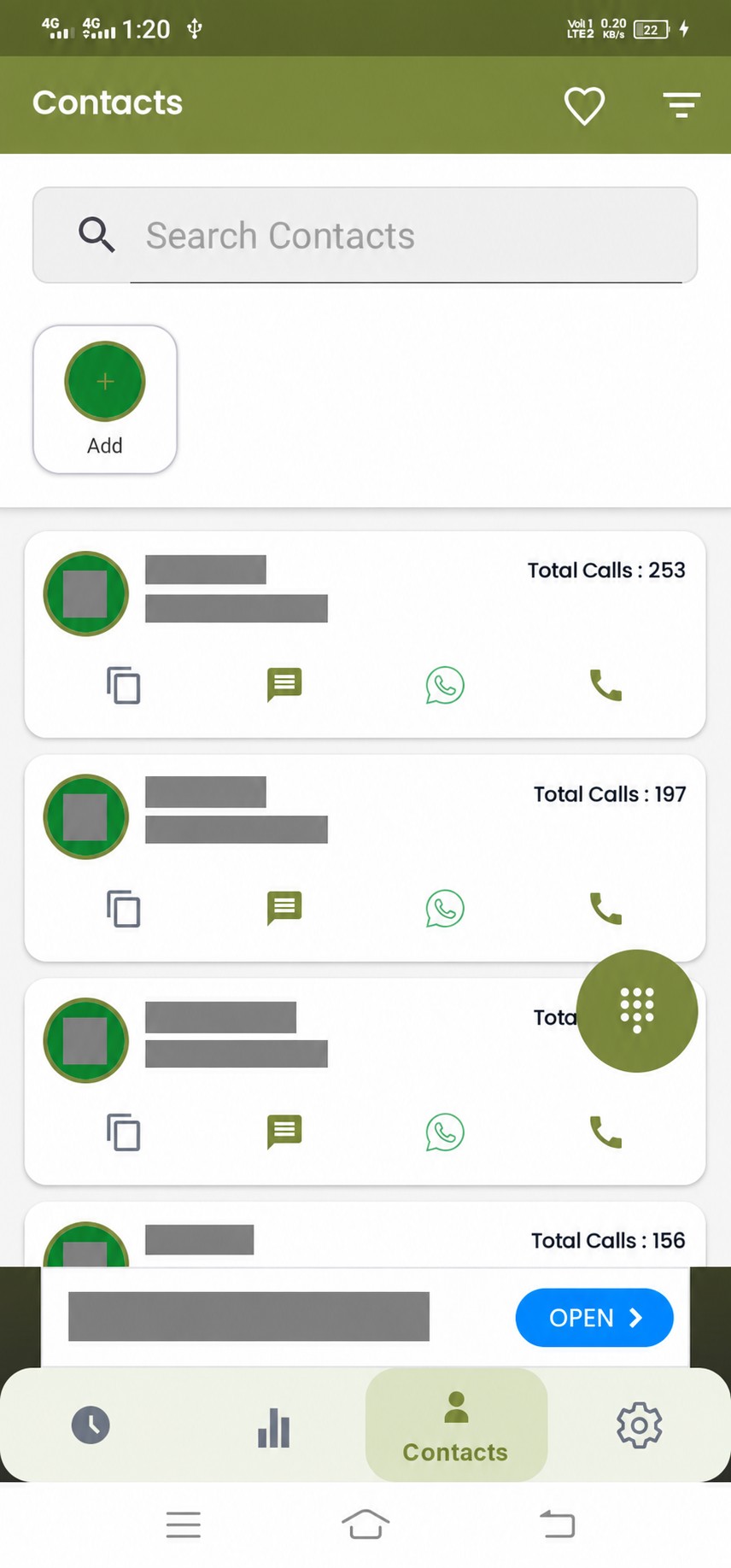
Connect contacts to see names instead of numbers - with the contact permissions you allow. Better context for every call.
Check that expected call records have synced, then review the available activity in your workspace.
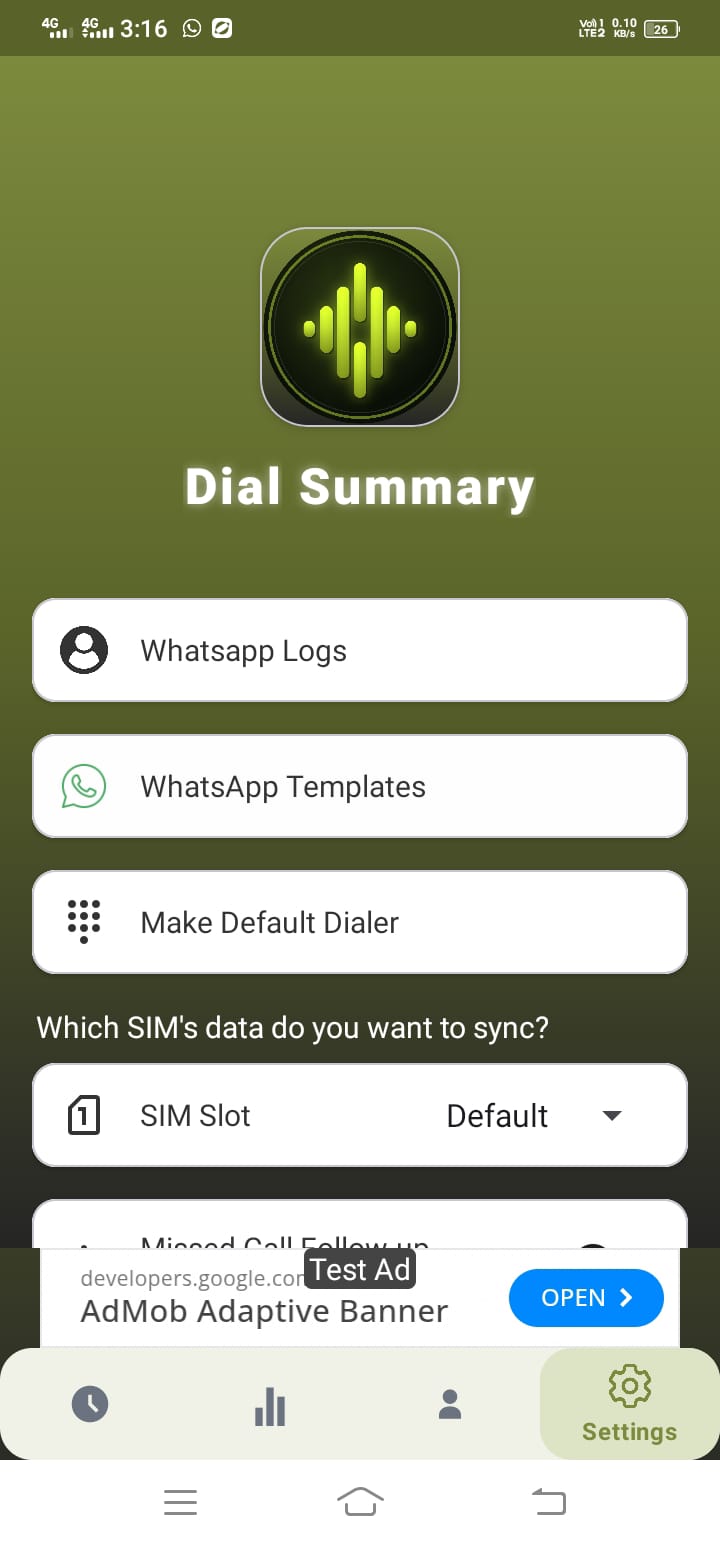
Watch how DialSummary connects calling activity, lead follow-ups and team reporting, then book a personalized demo for your team.
Book your demo