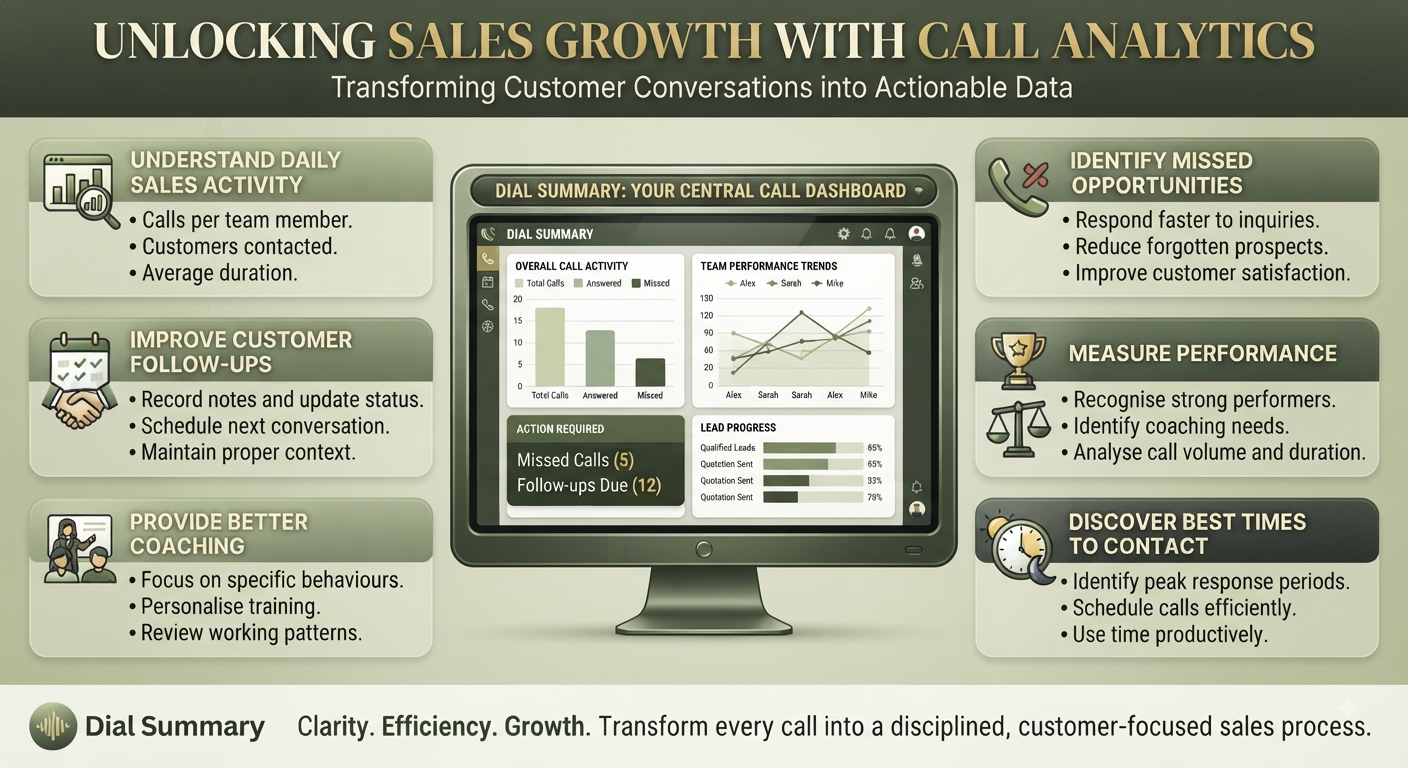
How Call Analytics Helps Sales Teams Improve Performance
Your sales team is making calls every day, but the results are uneven. Some customers are difficult to reach, follow-ups take longer than expected, and managers are unsure where the team needs support.
Making more calls might help—or it might repeat the same problems.
Call analytics helps you examine calling activity and identify what deserves attention. Used alongside customer notes and sales outcomes, it can support better decisions about timing, workload and coaching.
Find Patterns Behind Unanswered Calls
Several unanswered attempts to one customer do not tell you much on their own. Across a larger set of calls, you may notice a pattern worth investigating.
Perhaps contact attempts are concentrated during a period when customers rarely answer. Or the team is repeatedly calling outdated numbers.
DialSummary Call Insights helps teams review available calling patterns and narrow down questions like these.
Check the underlying records before changing the process. A pattern can suggest where to look, but it does not prove why calls went unanswered.
Compare Performance Fairly
One representative may handle short initial enquiries while another spends time discussing detailed proposals.
Comparing only their call totals misses that difference.
Review activity alongside assignments, working hours and customer requirements. DialSummary Team View can help managers examine available employee calling activity before discussing workload or support needs.
Use the numbers to start a conversation, not to make a judgement without context.
Make Coaching More Specific
“Improve your calls” gives an employee little to work with.
Analytics can help identify which interactions deserve a closer review. For example, an unexpected change in call duration may prompt a discussion about the questions customers are asking.
Check relevant records, notes or authorised recordings where available. Then focus feedback on a practical behaviour:
“Several customers needed clarification about setup. Let’s prepare a clearer explanation and check whether it answers their questions.”
Duration alone cannot tell you whether a conversation was effective. The review provides the context needed for useful coaching.
Check Whether Follow-Ups Are Moving Forward
A high number of contact attempts can look productive even when the same enquiries remain unresolved.
Use DialSummary Full Call History to locate available interactions, then compare them with current lead notes and next actions.
Ask whether the customer was reached, received the promised information or agreed to another step.
Calling activity and sales progress are connected, but they are not the same measure.
Test a Small Change
Suppose your team notices that many initial calls go unanswered during its usual calling window.
Rather than changing the entire schedule, test another suitable time with a comparable group of enquiries. Respect any callback preferences customers have already provided.
Review the result using the same definitions and consider differences in lead quality, employee availability and working days.
A small test gives you something concrete to assess without disrupting the whole team.
Turn Reports Into Decisions
A report is useful when it leads to a clear action.
Choose one question, investigate the relevant activity and agree on what to change. Assign an owner and decide when to review the result.
Call analytics cannot guarantee more sales. It can help your team spot avoidable problems, focus coaching and make better-informed use of its calling time.
Start with the work you want to improve, then use the data to guide the next step.