Roles & Secure Access
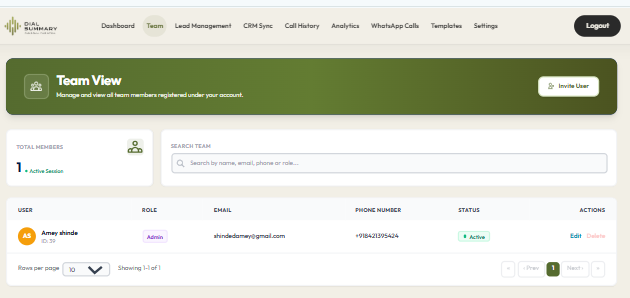
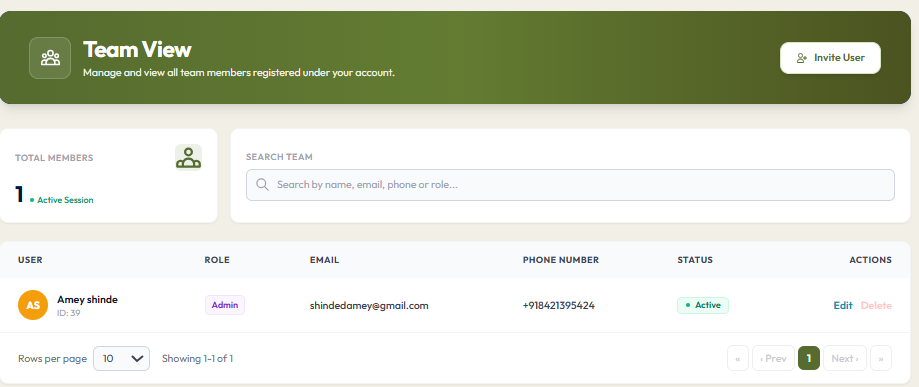
To access this feature, open your CRM Dashboard and click on Roles & Permissions. Keep sensitive business records protected with granular role-based access control (SuperAdmin, Workspace Manager, Team Lead, and Telecaller) tailored to your operational hierarchy.
Setup Instructions
Step 1
Navigate to Settings > Roles & Permissions using an authorized Admin account.
Step 2
Review the defined role tiers: SuperAdmin, Workspace Manager, Team Lead, and Telecaller.
Step 3
Configure data visibility scope: Restrict telecallers to strictly view their own contacts and call history.
Step 4
Assign or modify individual user roles with immediate effect across both mobile and web logins.
Step 5
Enable security controls like Force Logout to instantly revoke device access for offboarded personnel.
Got Questions?
Frequently Asked Questions
Managers have company-wide visibility to analyze reports, assign leads, and monitor calls, while telecallers see only their dedicated contact rosters and tasks.
Yes. Role configurations can strictly restrict telecallers from viewing peers' phone numbers or global company reports.
Only SuperAdmins and Managers can perform bulk CRM lead imports, reassign leads between teams, adjust billing, and trigger remote session terminations.