WhatsApp Call Tracking
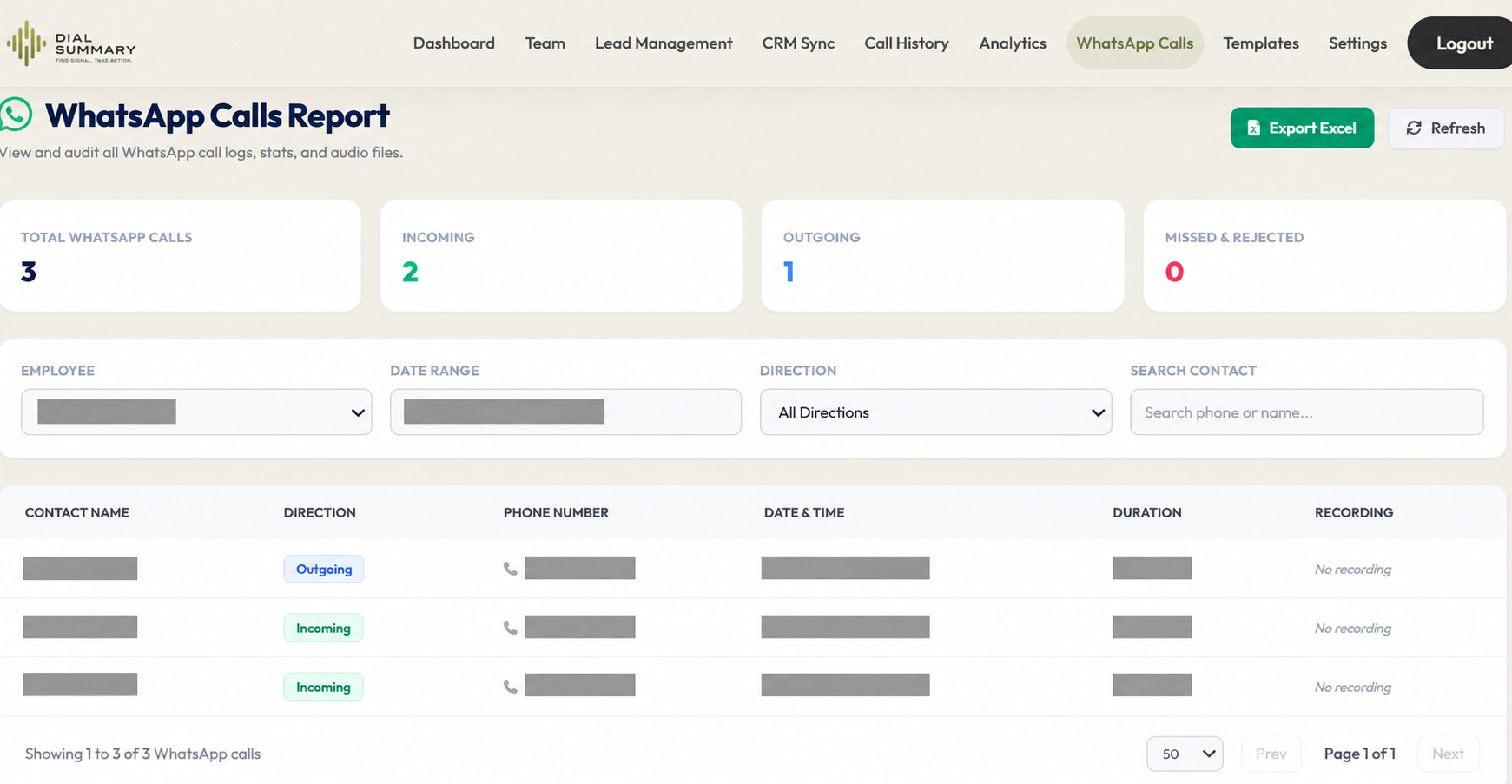
To access this feature, open your DialSummary App or Web Dashboard and click on WhatsApp Actions. Initiate 1-click WhatsApp calls, trigger template messages after unpicked calls, and track WhatsApp conversation outcomes.
Setup Instructions
Step 1
Ensure WhatsApp or WhatsApp Business is installed on the agent's smartphone alongside the DialSummary mobile application.
Step 2
In the DialSummary lead list or dialer screen, tap the green WhatsApp Call icon next to the contact phone number.
Step 3
When a regular GSM phone call goes unanswered, DialSummary presents a 1-tap popup: "Send WhatsApp Follow-up Message?"
Step 4
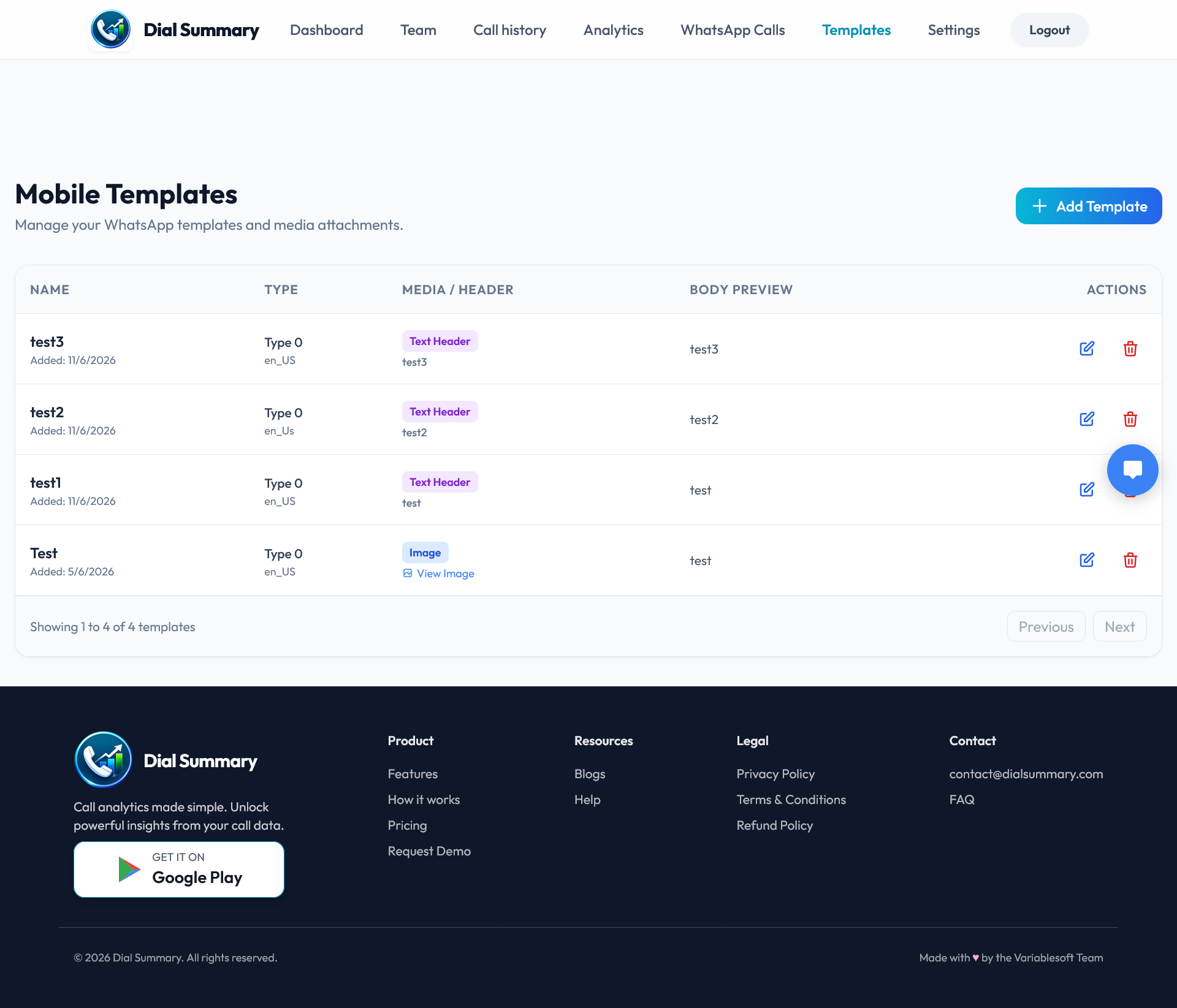
Select a pre-approved template (e.g., brochure, introduction, demo booking link) to instantly populate the chat.
Step 5
Tap Send — the message is delivered directly without needing to save the customer's phone number to personal device contacts first.
Step 6
DialSummary logs that a WhatsApp follow-up was dispatched, tracking follow-up velocity in real time.
Got Questions?
Frequently Asked Questions
No. DialSummary leverages deep WhatsApp API links (wa.me) allowing agents to open a chat and dispatch templates with zero contact saving required.
Yes. Admins can create and publish global templates from the web dashboard that automatically sync to all agents' mobile devices.
Yes. In addition to device-based WhatsApp actions, DialSummary can be connected to WhatsApp Cloud API accounts for bulk notifications.