Team Roster & Management
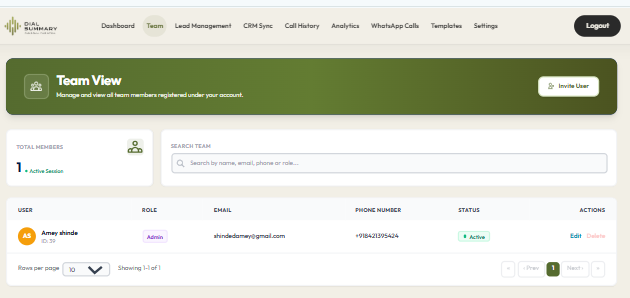
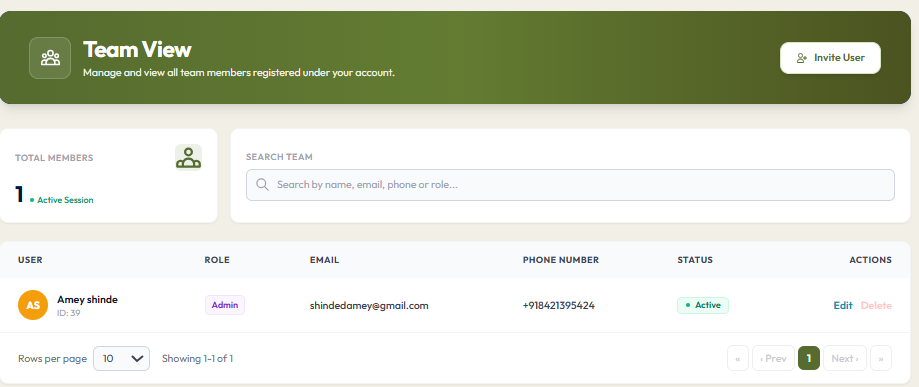
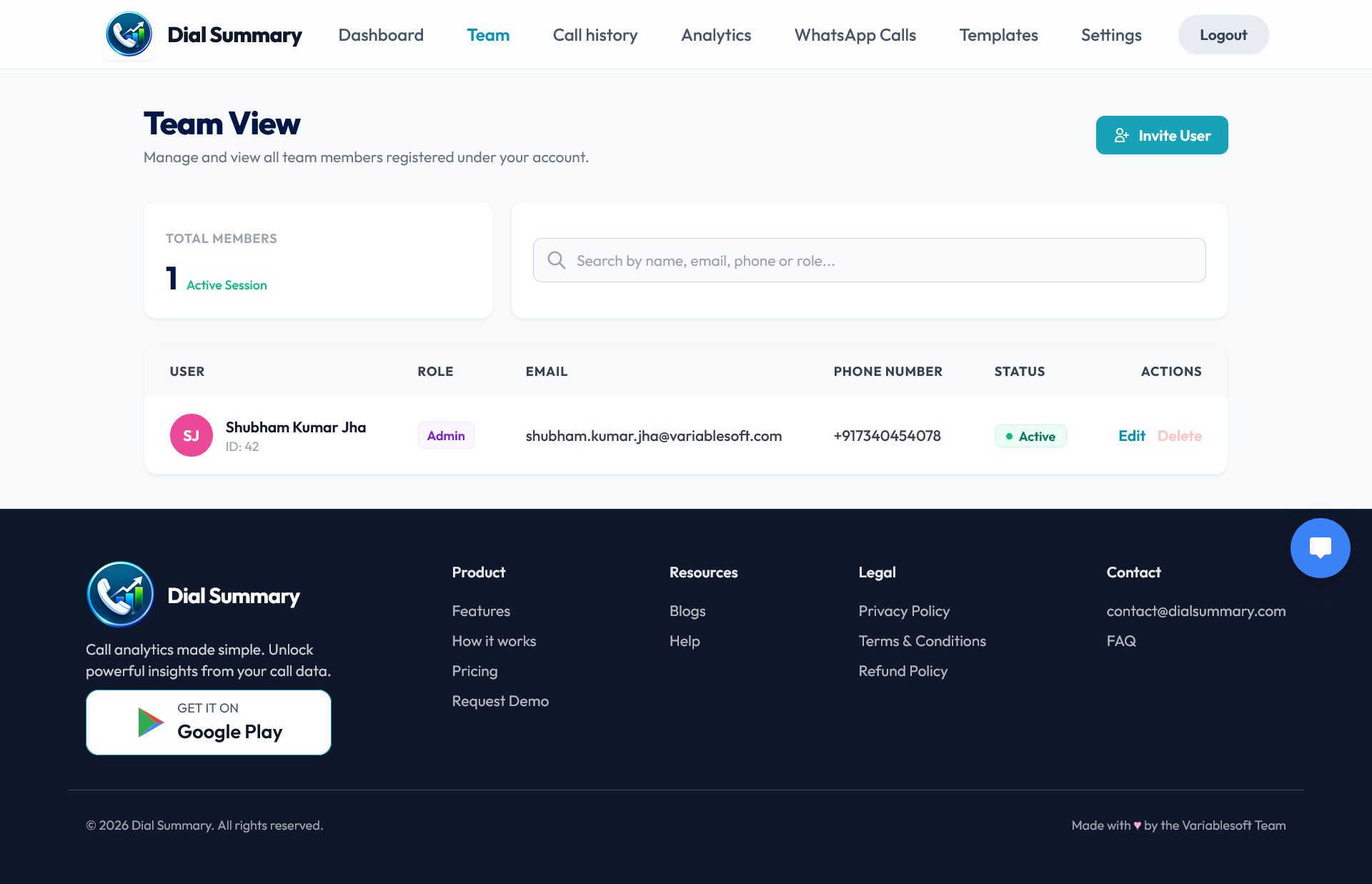
To access this feature, open your DialSummary Dashboard and select Team Management. Monitor telecaller availability, track active calls, manage permissions, and assign reporting supervisors.
Setup Instructions
Step 1
Navigate to Team Management in the sidebar and click the Add Team Member button.
Step 2
Enter the member's full name, corporate mobile number, email, and assign their reporting manager / team lead.
Step 3
Configure user permissions: choose between Admin, Manager / Team Lead, or Executive / Telecaller.
Step 4
An automated SMS with an activation code and app download link is dispatched to the agent's smartphone immediately.
Step 5
In the Live Team View dashboard, see real-time status pills: On Call (green), Idle (amber), or Offline (gray).
Step 6
Click any telecaller's profile card to review daily call tallies, talk-time hours, and unattempted follow-ups.
Got Questions?
Frequently Asked Questions
Yes. The live monitoring view utilizes real-time background sync to show call durations and live connection states instantly.
Admins can instantly invalidate an agent's active mobile session if a device is misplaced, lost, or when an employee is offboarded.
Yes. Role permissions allow restricting telecallers to strictly view their own contacts while managers see full team logs.